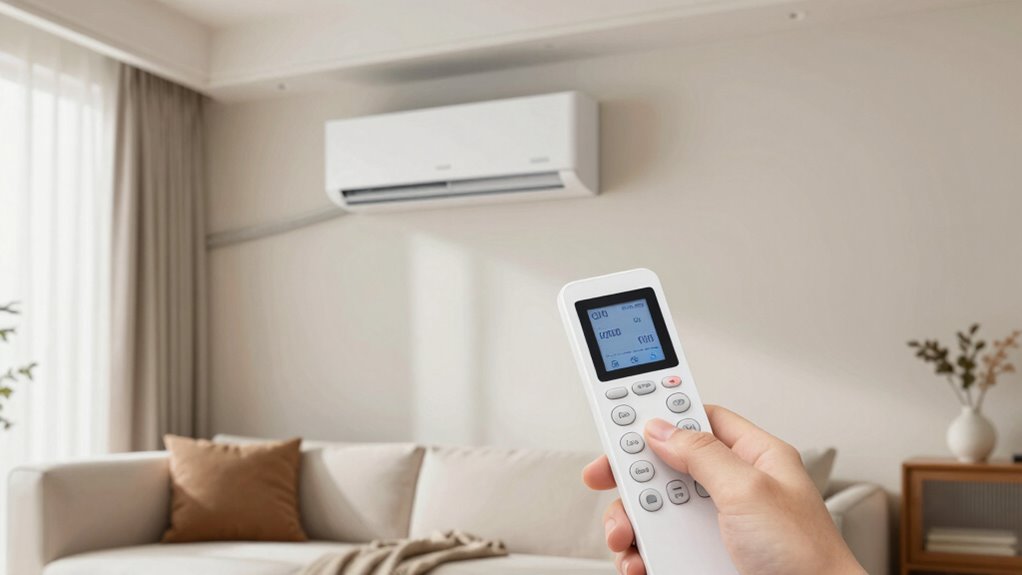
To maximize your mini-split’s comfort, explore remote features like adjusting fan speeds, switching modes, and scheduling temperatures for energy savings. Use eco and sleep modes to reduce power usage without sacrificing comfort, and activate swing or comfort functions to improve airflow. For quick adjustments, try turbo or power-lift modes. Regularly troubleshoot remote issues and keep batteries fresh to stay in control. Keep exploring these hidden settings to release your system’s full potential.
Key Takeaways
- Learn to activate and customize Eco and Sleep modes for energy-efficient comfort tailored to your needs.
- Use swing and comfort modes to automatically move louvers, promoting even airflow and eliminating hot or cold spots.
- Schedule temperature adjustments and operation times via remote to optimize energy savings during absences or sleep.
- Access advanced modes like Turbo and Power-Lift for rapid cooling or heating when quick comfort is needed.
- Regularly troubleshoot remote functions, keep firmware updated, and maintain batteries to ensure precise control and system longevity.
Learn How Your Mini-Split Remote Works
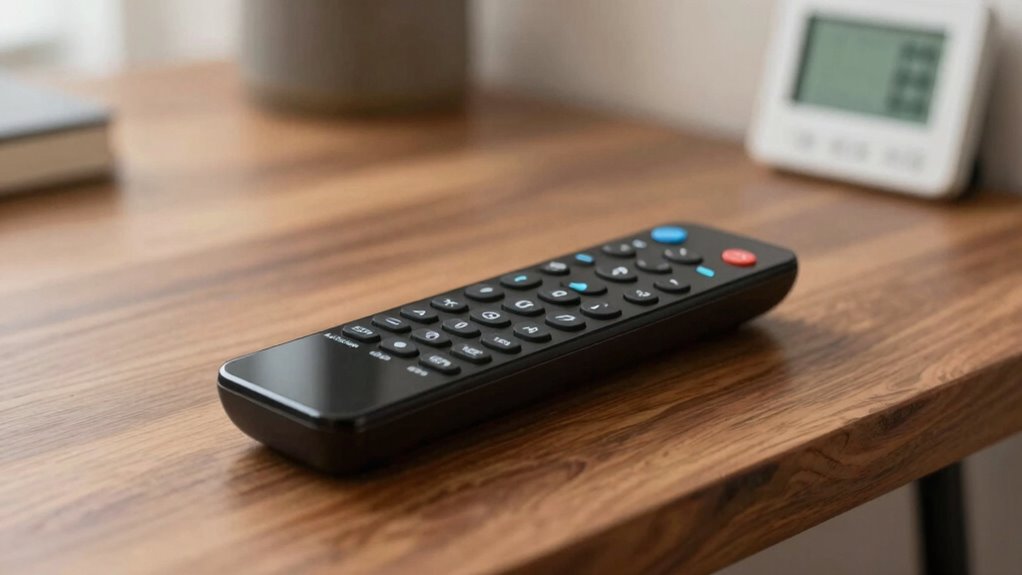
Understanding how your mini-split remote works can make controlling your comfort much easier. First, familiarize yourself with the buttons and their functions. If you encounter issues like unresponsive controls or inconsistent operation, remote troubleshooting can often resolve these problems. Check the batteries first, ensure there are no obstructions, and reset the remote if necessary. Additionally, keeping your remote’s firmware up to date helps improve its performance and compatibility with your mini-split system. Firmware updates can fix bugs and enhance features, making your remote more reliable. Regularly monitoring your air quality can also help optimize your system’s performance and comfort. Consult your user manual or manufacturer’s website for instructions on updating firmware. By understanding these basic functions and maintenance tips, you’ll manage your mini-split system more effectively and enjoy consistent comfort.
Adjust Fan Speeds and Switch Modes Easily
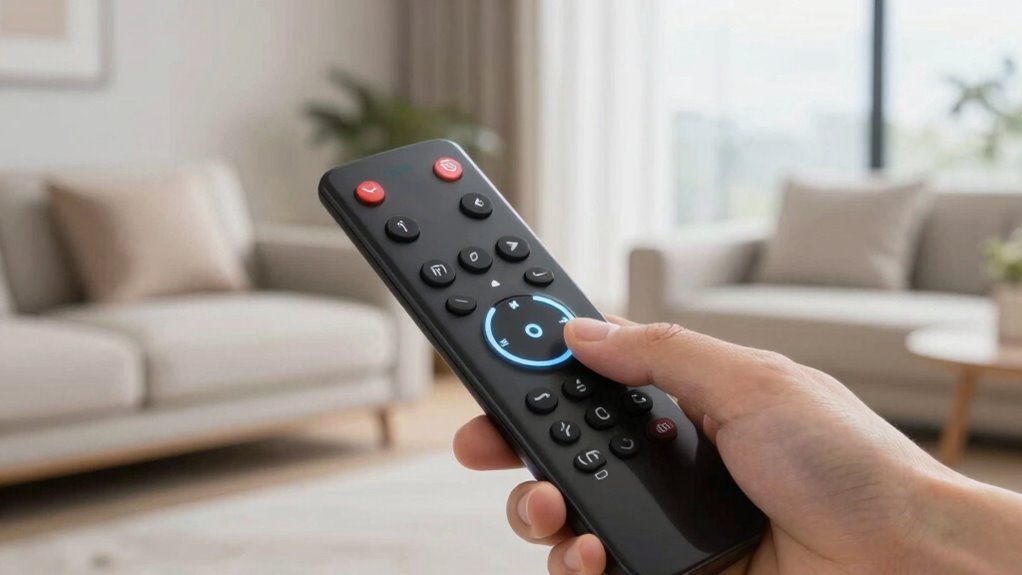
You can quickly adjust the fan speed to find the perfect airflow for your comfort. Switching between cooling, heating, or fan modes is straightforward with a few button presses. Don’t forget to optimize airflow direction to enhance efficiency and comfort throughout your space. Additionally, understanding airflow optimization can help improve your system’s performance and energy savings.
Adjust Fan Speed Settings
Adjusting fan speed settings on your mini-split is straightforward and allows you to customize comfort levels quickly. By changing the fan speed, you can reduce fan noise or boost air circulation to suit your needs. Here are three key tips:
- Use the remote to cycle through fan speed options—low, medium, high—to find the perfect balance.
- Lower fan speeds minimize noise, ideal for sleep or quiet times, but may slightly reduce air circulation.
- Higher speeds increase air circulation, helping cool or heat a room faster, though they might generate more fan noise.
- Fan speed settings impact your overall comfort and energy efficiency, so experimenting with different levels can help you find the perfect balance.
- Smart controls can optimize fan speed adjustments based on occupancy or ambient conditions, enhancing energy savings.
- Color accuracy impacts the overall image quality, so adjusting your environment to optimal lighting conditions can enhance your viewing experience.
- Understanding how airflow patterns interact with your space can further improve comfort and efficiency, especially in larger rooms. Additionally, ensuring proper cabling and installation can prevent issues that affect airflow and overall system performance.
Experiment with these settings to optimize comfort without sacrificing tranquility. Adjusting fan speeds is a simple way to fine-tune your mini-split’s performance for any situation.
Switch Between Cooling Mode
Switching your mini-split between cooling and other modes is quick and simple, allowing you to adapt to changing comfort needs. Most remotes let you toggle modes with a dedicated button, making it easy to switch from cooling to heating, fan, or dehumidify. Before switching, verify your remote is properly paired with your unit to avoid confusion. You might also need to adjust temperature calibration settings after mode changes for consistent comfort. Once paired, switching modes is seamless—just press the mode button and select your desired setting. This flexibility helps you customize your environment without fuss, ensuring efficient operation across different seasons. Keep your remote updated and check pairing if you encounter any issues, so mode switching remains precise and effortless. Smart remote controls can further enhance your ease of operation and ensure reliable mode switching. Additionally, understanding the remote compatibility with your specific mini-split model can prevent potential issues during mode transitions. Being aware of remote firmware updates can also improve overall functionality and compatibility.
Optimize Airflow Direction
Optimizing airflow direction guarantees your mini-split operates efficiently and keeps you comfortable. Proper vent placement and airflow direction ensure even cooling or heating throughout the room. To make the most of this, consider these tips:
- Adjust the vent to direct airflow away from walls and furniture for better distribution.
- Use the remote to change airflow direction, aiming louvers downward in summer for cooling and adjustable in winter.
- Switch fan speeds to control airflow intensity, helping prevent drafts or insufficient circulation.
- Incorporate free floating concepts in your setup by ensuring vents are not obstructed and airflow can circulate naturally throughout the space. Additionally, understanding solar energy technology can help you automate these adjustments for optimized comfort. Proper airflow management is essential for energy efficiency, reducing your overall power consumption while maintaining comfort. Recognizing the importance of airflow optimization can further enhance your system’s performance and comfort levels.
Set Temperatures and Schedule for Energy Savings

Setting the right temperatures and creating a smart schedule can substantially reduce your energy bills while keeping your space comfortable. Use the remote temperature to set your mini-split to an energy-efficient level—around 78°F in summer and 68°F in winter, unless you prefer different comfort levels. Scheduling tips include adjusting the temperature during times when you’re away or asleep to avoid unnecessary energy use. Program your system to turn off or raise/lower the temperature during these periods, then resume comfort settings before you return or wake up. Consistent, strategic scheduling minimizes wasted energy without sacrificing comfort. Take advantage of your remote’s scheduling features to optimize operation times, making your mini-split work smarter and more efficiently. Proper temperature settings are essential for energy savings and system longevity, especially when you understand the importance of energy-efficient operation. Additionally, understanding how capacity and watt-hours influence your mini-split’s performance can help you better tailor your energy management strategies. Knowing how to optimize system performance can further enhance your overall energy savings and comfort, ensuring you get the most out of your system while adhering to energy-saving principles.
Activate Eco and Sleep Modes for Power Efficiency
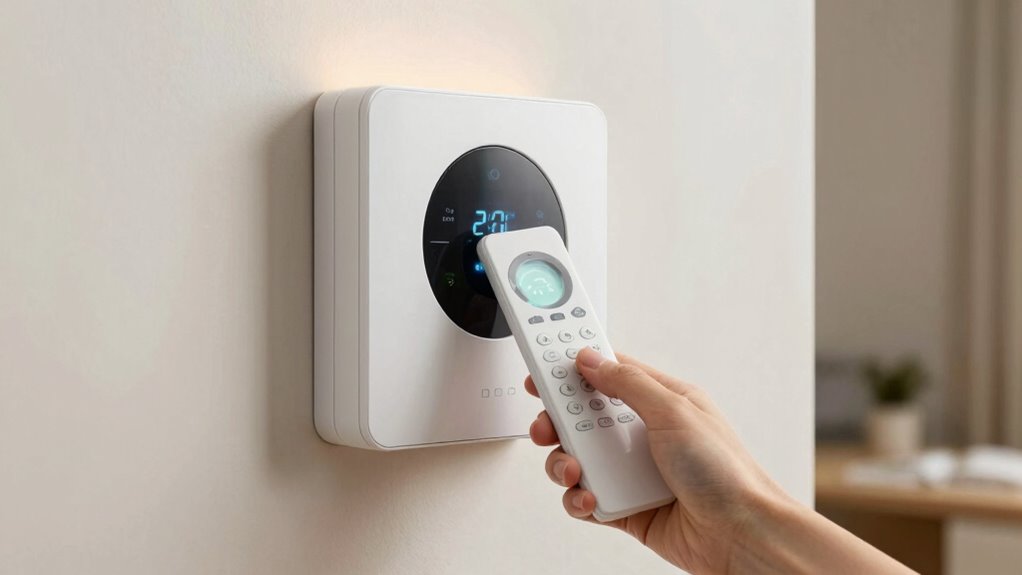
Activating Eco and Sleep modes on your mini-split can considerably boost power efficiency without sacrificing comfort. These modes are designed to optimize energy consumption while maintaining a comfortable environment. Here are three ways they help:
Using Eco and Sleep modes enhances efficiency and comfort on your mini-split.
- Reduce energy consumption by limiting the compressor’s workload during low-activity periods. Energy-saving features are often built into modern units to maximize efficiency.
- Enhance comfort customization by automatically adjusting temperatures for better sleep or daytime use. This tailored approach can improve overall satisfaction with your climate control.
- Minimize unnecessary operation by fine-tuning settings based on your activity and sleep patterns. Proper programming techniques can further enhance energy savings.
- Additionally, utilizing vehicle protection accessories such as remote car covers can help preserve your device’s efficiency and longevity by shielding it from environmental stressors.
- Proper maintenance practices also ensure that your mini-split runs efficiently over time, preventing unnecessary energy drain and extending its lifespan.
Use Comfort and Swing Functions to Improve Airflow
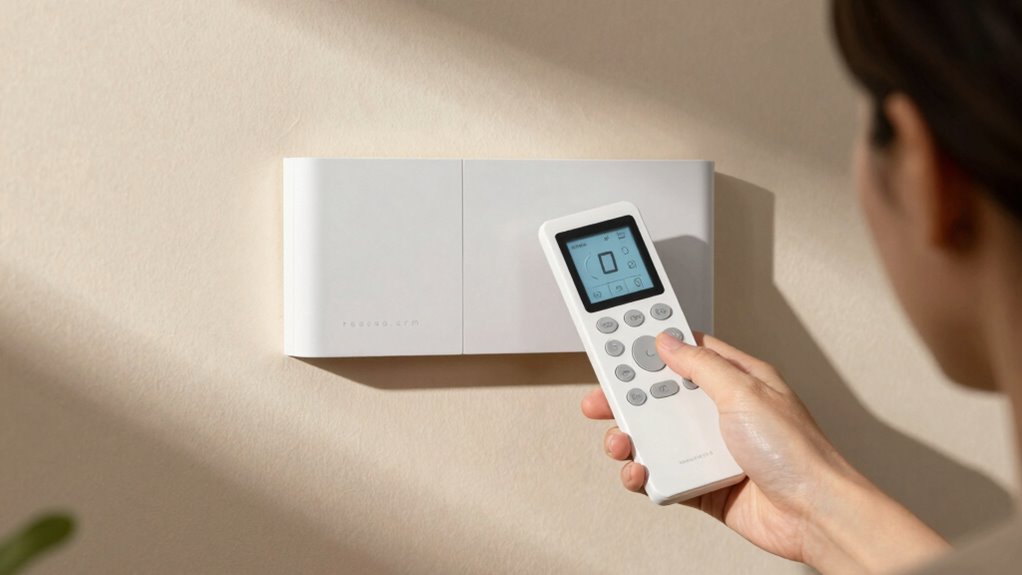
Using the comfort and swing functions on your mini-split can substantially enhance airflow and maintain even temperatures throughout your space. The comfort setting adjusts airflow direction and intensity, tailoring the experience to your preferences. Meanwhile, the swing function automatically moves the louvers, promoting airflow optimization and preventing hot or cold spots. This dynamic adjustment can also help improve airflow distribution, ensuring a more balanced climate within the room. The remote customization allows you to fine-tune airflow patterns for maximum comfort. To visualize, here’s how these features work:
| Function | Effect | Best Use Case |
|---|---|---|
| Comfort Mode | Adjusts airflow intensity | When you want personalized airflow |
| Swing Function | Moves louvers automatically | For even temperature distribution |
| Manual Control | Directs airflow manually | Targeted cooling or heating |
| Timer Setting | Schedules airflow operation | Nighttime comfort |
| Fan Speed | Controls airflow velocity | Quiet or rapid airflow |
Being aware of airflow optimization techniques can further improve your comfort and energy efficiency. Additionally, understanding how to utilize these features can lead to more effective climate control and energy savings in your space. Incorporating remote control features effectively can also streamline the adjustment process, making it easier to achieve your desired comfort level.
Connect Your Remote to Wi-Fi for Remote Control

Connecting your mini-split remote to Wi-Fi allows you to control your unit remotely through a smartphone app or web interface. This Wi-Fi connectivity enhances convenience and makes remote integration seamless. To get started, follow these steps:
- Download the manufacturer’s app on your smartphone.
- Access the Wi-Fi settings on your remote and connect it to your home network.
- Pair the remote with your mini-split system via the app, completing the setup.
Once connected, you can adjust temperature, modes, and schedules from anywhere. This feature not only simplifies control but also helps you optimize comfort and energy efficiency. Keep in mind, a stable Wi-Fi connection is essential for smooth remote control. Enjoy the freedom of managing your mini-split with just a tap!
Access Advanced Settings Like Turbo and Power-Lift Modes
You can enhance your mini-split’s performance by accessing advanced settings like Turbo and Power-Lift modes. Turbo Mode quickly cools or heats your space, while Power-Lift helps the unit operate efficiently during extreme conditions. To activate these features, follow the specific instructions in your remote’s menu or user manual.
Turbo Mode Benefits
Activating Turbo or Power-Lift modes allows your mini-split system to deliver rapid cooling or heating when you need it most. These modes boost performance, providing immediate relief from temperature swings. Here are three benefits you’ll notice:
- Faster temperature adjustments—reach your desired comfort level in minutes.
- Enhanced energy efficiency—quickly cool or heat without running the system longer, saving on energy bills.
- Noise reduction—despite the increased power, many systems operate more quietly in these modes, minimizing disturbance.
Using Turbo mode strategically helps you optimize comfort while maintaining energy efficiency. Plus, it can reduce noise levels during rapid temperature changes, making your environment more comfortable without added distraction.
Power-Lift Functionality
Power-Lift functionality allows you to access advanced settings like Turbo and Power-Lift modes directly through your mini-split’s controls or app. These modes boost your system’s performance temporarily, helping you reach desired comfort levels quickly. Using Power-Lift can improve energy efficiency by reducing the time your unit runs at high capacity, preventing unnecessary energy waste. It also offers better user customization, letting you tailor your comfort experience for specific needs, like rapid cooling or heating during extreme weather. By activating these features strategically, you optimize comfort without sacrificing efficiency. Remember, Power-Lift is designed for short-term use, so leveraging it wisely ensures your mini-split operates efficiently while providing maximum comfort when you need it most.
Activation Instructions
Accessing advanced settings like Turbo and Power-Lift modes is straightforward through your mini-split’s control panel or mobile app. To activate these features effectively, ensure your remote is correctly positioned—avoid obstructed mounting techniques for reliable signals. Here’s how to do it:
- Check remote placement: Keep it within clear sight and at a comfortable height.
- Navigate the menu: Use the control panel or app to locate “Advanced Settings” or “Modes.”
- Activate modes: Select Turbo or Power-Lift, then confirm to enable maximum performance.
Troubleshoot Common Remote Control Problems
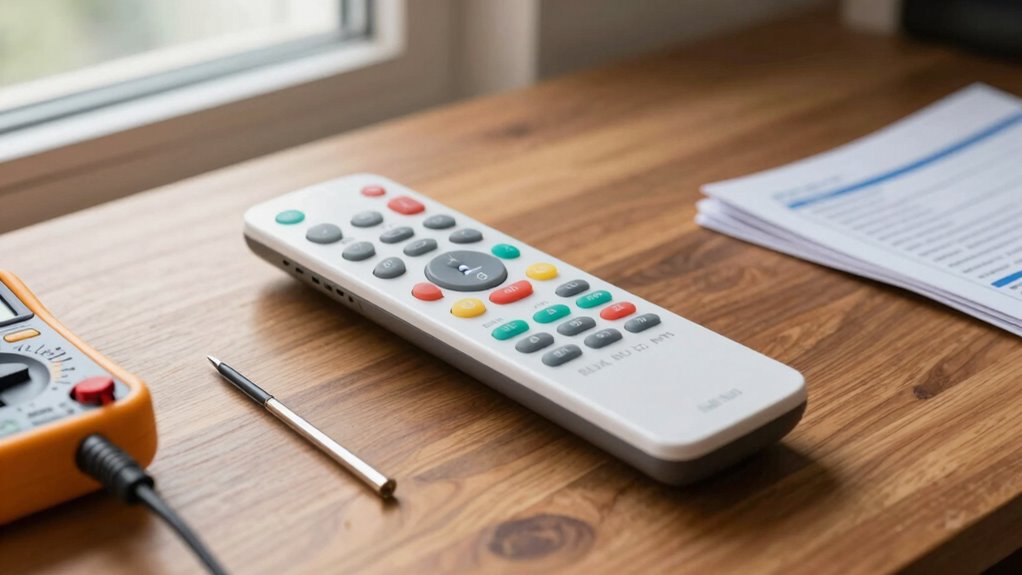
When your mini-split remote control stops working properly, it can be frustrating, but most issues are easy to fix. If the remote isn’t responding, try troubleshooting display issues first—sometimes the screen just needs a reset or cleaning. Check if the remote is properly paired with the unit; if not, you may need to re-establish remote pairing by following the manufacturer’s instructions. Ensure there are no obstructions blocking the signal, and verify the batteries are fresh and installed correctly. If the remote still doesn’t respond, try resetting it or consulting the user manual for specific troubleshooting tips. Most problems stem from simple issues like poor pairing or display glitches, which are quick fixes for restoring full control over your mini-split.
Maintain Your Remote and Change Batteries Easily
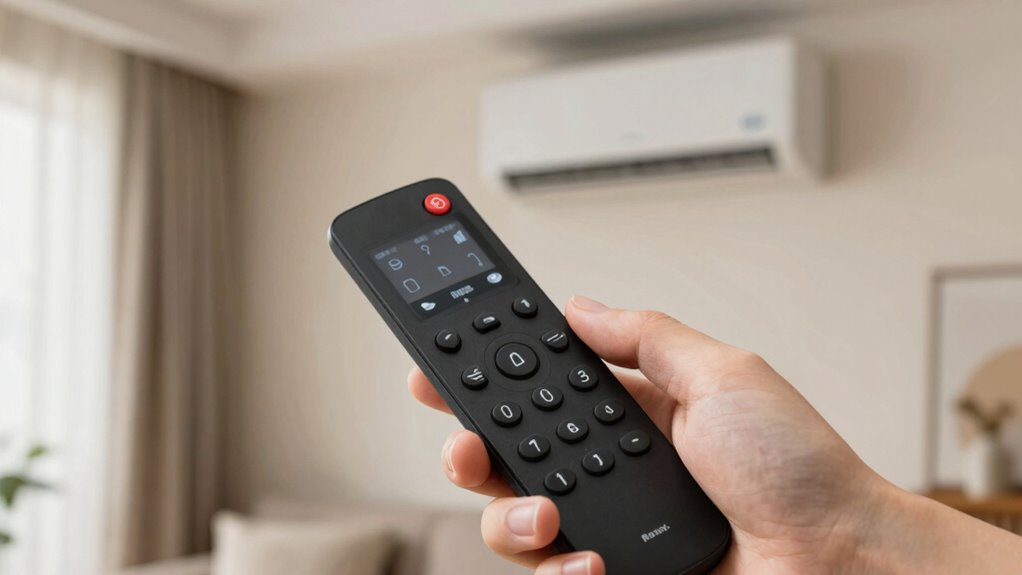
Regularly maintaining your remote and changing its batteries when needed can prevent many common problems. To keep it in top shape, follow these simple steps:
Keep your remote working smoothly with regular cleaning and timely battery changes.
- Remote cleaning: Use a soft, damp cloth to wipe the remote’s surface and remove dust and grime, especially around buttons.
- Check batteries: Regularly inspect the batteries for corrosion or leaks, replacing them as needed to ensure consistent performance.
- Battery replacement: When remote signals weaken, open the compartment, insert fresh batteries, and press all buttons to reset the device.
Maximize Your Mini-Split System’s Life and Efficiency
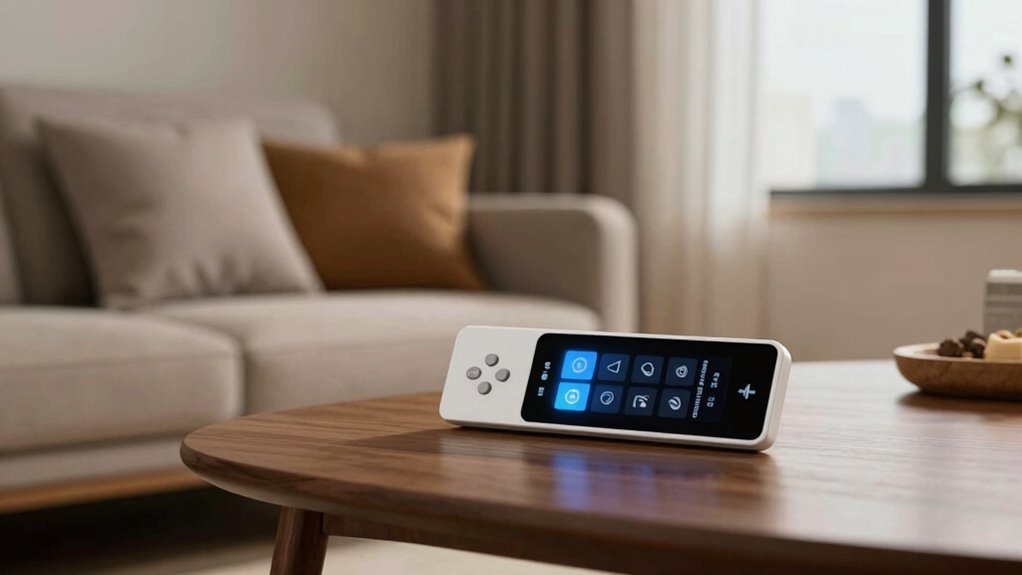
To maximize your mini-split system’s lifespan and efficiency, performing routine maintenance and taking proactive steps is vital. Start by troubleshooting your remote control if you notice inconsistent operation—sometimes, remote control troubleshooting can resolve issues without needing repairs. Guarantee the batteries are fresh, as weak batteries can cause signal problems and reduce efficiency. Regularly clean your system’s filters and vents to prevent dust buildup, which can strain the unit and increase energy use. Schedule annual professional inspections to catch potential issues early and keep components running smoothly. Proper maintenance not only extends your mini-split’s lifespan but also keeps it operating at peak performance, saving you money on energy bills and costly repairs down the line.
Frequently Asked Questions
Can I Customize the Remote’s Display to Show Preferred Settings?
Yes, you can customize the remote’s display to show your preferred settings. Many mini-split remotes offer remote display customization, allowing you to personalize the interface for easier access. You can typically set up personalized remote settings, such as temperature, fan speed, or modes, which then appear on the display. Check your unit’s manual for specific instructions, as customization options can vary by brand and model.
Are There Hidden Features or Shortcuts on My Mini-Split Remote?
Think of your remote as a Swiss Army knife—full of hidden tools waiting to be discovered. Yes, many mini-split remotes have hidden functions and shortcuts that aren’t obvious. You can often access these by pressing specific button combinations or exploring advanced menus. These hidden features can improve comfort and efficiency, so take time to experiment and reveal your remote’s full potential for a smarter, more personalized climate control experience.
How Do I Reset the Remote to Factory Settings?
To reset your mini-split remote to factory settings, start by locating the reset button, usually found on the back or inside the battery compartment. Press and hold the reset button for about 5-10 seconds until the remote powers off or the indicator flashes. This is your remote reset process, restoring it to factory settings. Once done, reconfigure your preferences, and your remote should work like new.
Is It Possible to Control Multiple Mini-Splits With One Remote?
Yes, you can control multiple mini-splits with one remote through multi zone control. To do this, verify your units support remote synchronization, allowing a single remote to manage different zones. Typically, you’ll need to set each unit to a specific zone or channel and then sync the remote accordingly. Check your mini-split model’s manual for precise instructions on multi zone control and remote synchronization, as processes may vary.
Can I Program the Remote for Specific Temperature Preferences?
Yes, you can program the remote for specific temperature preferences. Many mini-split remotes allow remote programming, letting you set personalized temperature preferences that automatically adjust to your comfort level. Check your remote’s manual for instructions on how to save your preferred temperatures. Once programmed, the remote will maintain your ideal settings, making it easier to stay comfortable without constantly adjusting the thermostat.
Conclusion
By exploring these remote settings, you’ll activate your mini-split’s full potential and enjoy consistent comfort. It’s easy to overlook features like eco mode or swing functions, but using them can save energy and improve airflow. When you maintain your remote and troubleshoot issues promptly, your system runs smoothly for years to come. Ultimately, a little knowledge and routine care turn your mini-split into a reliable, efficient comfort companion—making every season just right.