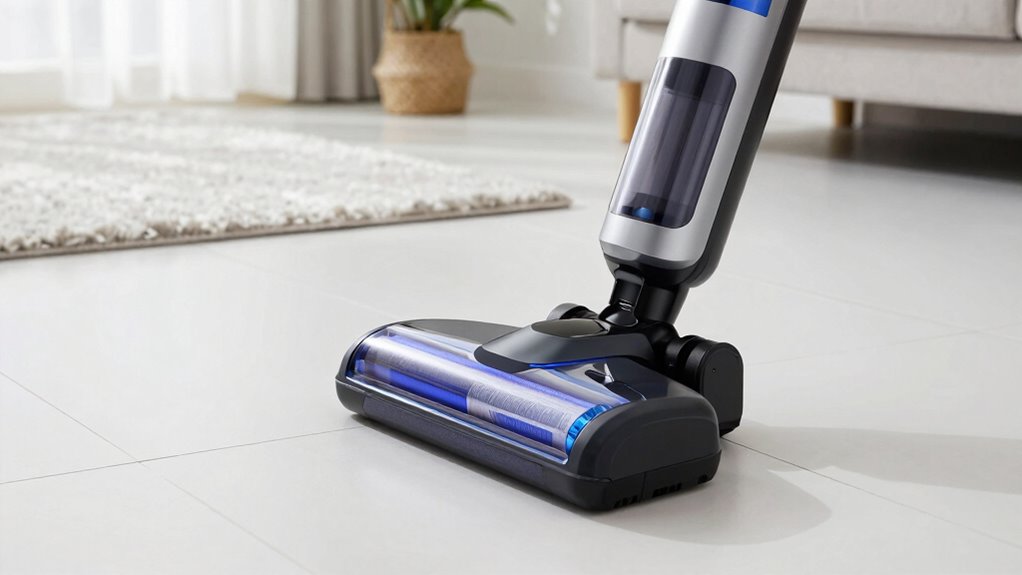

To make your cordless vacuum battery last years longer, follow proper charging, storage, and maintenance routines. Avoid overcharging and letting the battery drain completely—recharge in moderate temperatures and use manufacturer-approved chargers. Keep the battery and contacts clean, store the vacuum in a cool, dry place with partial charge if storing long-term, and avoid full power usage constantly. Staying mindful of these tips can markedly extend your battery’s lifespan and performance, so keep going to discover more practical tips.

Get the little things that make your day delivered free with Prime
- Fast, free delivery on millions of items
- Prime Video, Amazon Music and more included
- Member-only deals all year
Key Takeaways
- Follow proper charging routines by unplugging once fully charged and avoiding overcharging to prevent capacity loss.
- Store the battery in a cool, dry environment at partial charge (50-70%) for long-term preservation.
- Regularly clean battery contacts and connections to maintain optimal conductivity and prevent corrosion.
- Use manufacturer-recommended chargers and perform firmware updates for optimal battery health.
- Avoid exposing the vacuum and battery to extreme temperatures and moisture to prevent accelerated aging.
What Factors Affect Your Cordless Vacuum Battery Life?

Ever wonder what really impacts your cordless vacuum’s battery life? It all comes down to a few key factors. First, battery capacity determines how long your vacuum runs on a single charge—higher capacity means longer cleaning sessions. But even with a big battery, frequent charging can wear it out faster. That’s because each charging cycle slightly reduces the battery’s overall lifespan. Over time, repeated charging cycles cause the battery to lose capacity, leading to shorter runtime. Other factors like storage conditions, temperature, and how often you use your vacuum also play roles. Proper storage conditions can prevent unnecessary battery degradation. To maximize your battery’s longevity, understanding these factors helps you avoid unnecessary wear and tear, ensuring your vacuum stays powerful for years to come. Additionally, proper calibration can help maintain optimal battery performance over time. Maintaining the correct charging parameters, such as avoiding overcharging with the right charger settings, further extends your battery’s lifespan. Regularly monitoring and managing battery health can also contribute to longer-lasting performance. Being aware of battery maintenance practices can make a significant difference in prolonging your vacuum’s usability.
How to Charge Your Vacuum Properly for Maximum Battery Life?
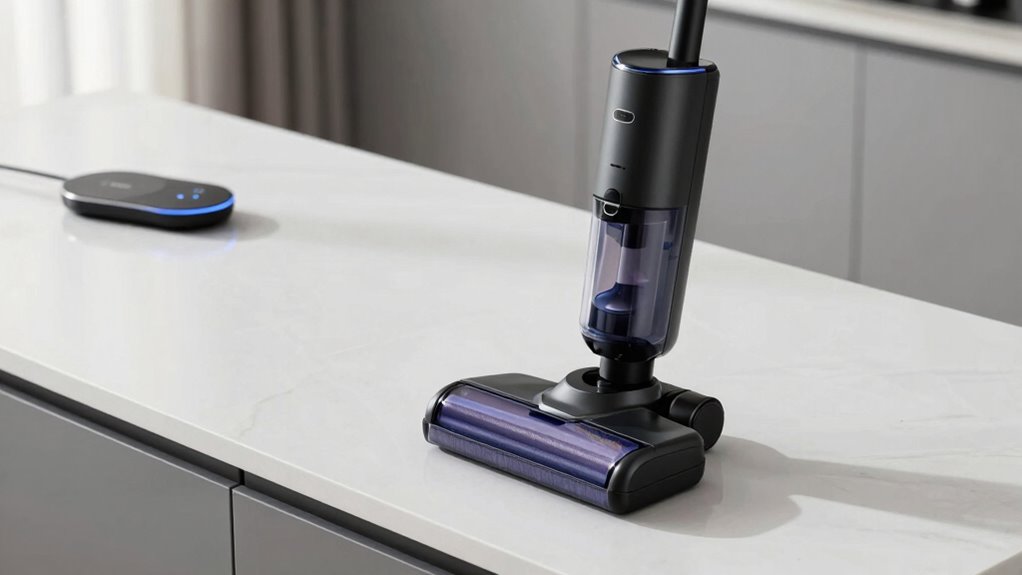
To guarantee your cordless vacuum’s battery lasts as long as possible, it’s important to follow proper charging habits. Start with correct charging techniques—avoid overcharging by unplugging once fully charged, and don’t let the battery drain completely before recharging. Regularly calibrate your battery by fully charging it, then using the vacuum until the power is low, and charging again. This helps maintain accurate battery readings and prolongs its lifespan. Keep your charger compatible with your vacuum model to prevent damage. Avoid charging in extreme temperatures, as heat or cold can degrade the battery. Additionally, monitoring the battery health and adhering to manufacturer-recommended maintenance schedules can significantly extend your vacuum’s battery lifespan. Understanding performance cookies and how they influence device metrics can help you optimize your charging routines. By practicing these simple steps—proper charging techniques and battery calibration—you’ll maximize your vacuum’s battery life and enjoy *ideal* performance for years to come.
How to Keep Your Vacuum and Battery Clean for Better Performance?
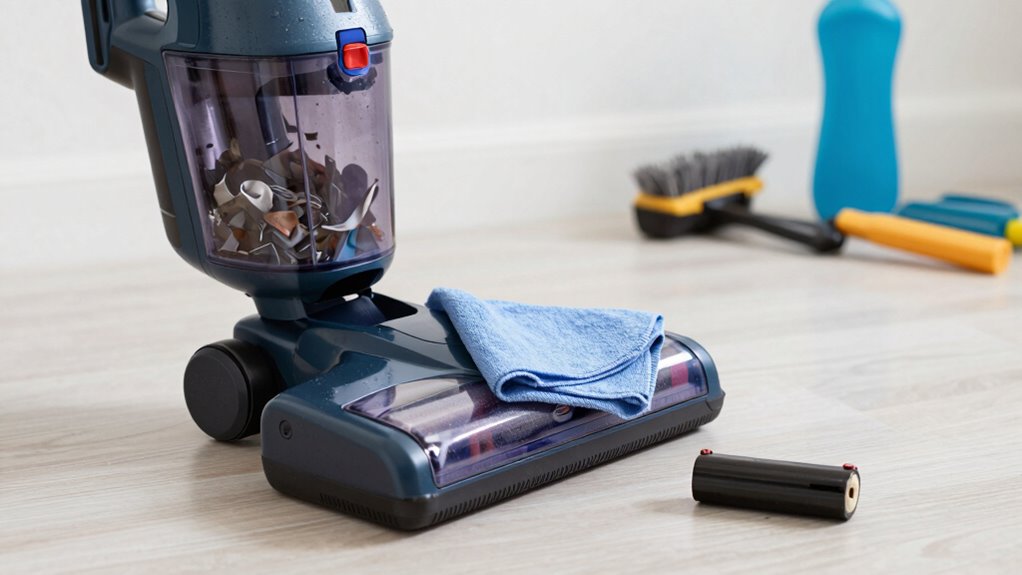
To keep your vacuum and battery performing well, you need to stay on top of cleaning them regularly. Wipe down the components and make sure the battery contacts are clean to prevent issues. Also, store your vacuum in a dry area to avoid damage and maintain ideal performance. Regularly inspecting your electric power generation with bike generators can help ensure your energy output remains consistent and reliable over time. Additionally, avoiding exposure to extreme temperatures can prolong the battery lifespan and overall device durability. Proper maintenance routines are essential for sustaining device efficiency and preventing unexpected failures over the long term. Being aware of recovery factors can also guide you in maintaining optimal performance and extending the lifespan of your device components. Incorporating sound vibrations into your maintenance routine can further enhance the longevity of your vacuum’s motor and battery system.
Regularly Wipe Components
Regularly wiping down your vacuum’s components helps prevent dust and debris buildup that can hinder performance. Use a soft cloth to clean the brushes, filters, and vents, ensuring dust doesn’t block airflow. This maintenance supports proper battery calibration by keeping sensors and connections accurate, preventing over- or under-charging. Additionally, lightly lubricate moving parts, such as brush rollers, to reduce friction and wear. Clean components allow the motor to run smoothly, which reduces strain on the battery and extends its lifespan. Proper dust management is essential for maintaining optimal suction and preventing overheating. Regular cleaning also helps remove microplastics in dust, which can accumulate and potentially damage sensitive parts. Ensuring requirements traceability during cleaning routines can help monitor maintenance effectiveness and identify areas needing attention. Use appropriate cleaning tools to reach all crevices and hidden areas for a thorough job. Avoid using harsh chemicals that could damage sensitive parts. Consistent cleaning not only maintains ideal suction but also minimizes the risk of overheating, keeping your vacuum running efficiently and helping your battery last longer. Implementing proper maintenance protocols can further enhance the longevity of your vacuum and battery.
Keep Battery Contacts Clean
Keeping your vacuum’s battery contacts clean is essential for maintaining a strong connection and ideal performance. Dirty contacts can lead to poor power transfer, reduced runtime, or even battery corrosion. To guarantee proper contact maintenance, regularly inspect and clean the contacts with a soft cloth or a cotton swab dipped in isopropyl alcohol. This removes dirt, dust, and corrosion that may hinder performance. Additionally, avoiding battery damage caused by debris buildup helps extend battery life and prevents potential safety hazards. Regular cleaning prevents solar system safety issues that can arise from corroded or compromised contacts. Additionally, maintaining environmentally friendly practices by avoiding harsh chemicals protects both your device and the environment. Proper contact maintenance also supports electrical conductivity, ensuring efficient power flow between the battery and vacuum. Ensuring that you follow recommended maintenance intervals can further optimize the lifespan of your battery and device.
Remember these key points:
- Avoid using harsh chemicals that can damage contacts
- Clean contacts at least once a month
- Check for signs of battery corrosion regularly
- Ensure contacts are dry before reassembling
- Replace damaged or corroded contacts immediately
Maintaining clean contacts helps prolong your battery’s lifespan and keeps your vacuum running smoothly.
Store in Dry Area
Storing your cordless vacuum and battery in a dry area is essential for preventing moisture buildup that can cause corrosion and damage. Proper battery storage involves keeping batteries in a dry storage environment where humidity is low, preventing rust and electrical issues. Avoid places like garages or basements prone to dampness. Instead, choose a closet or cabinet with stable, dry conditions. When storing your vacuum, guarantee it’s clean and free from moisture; this helps maintain ideal performance and prolongs lifespan. Always disconnect the battery before storage to prevent accidental discharge or damage. Consistent dry storage not only protects your vacuum and battery from corrosion but also helps maintain battery capacity over time, ensuring better performance whenever you need it. Additionally, understanding smart thermostat protocols can help optimize your home’s climate control, reducing energy use and extending the lifespan of your appliances. Proper storage practices are a vital part of home maintenance, and paying attention to storage environment can significantly impact the longevity of your vacuum and battery components. To further safeguard your equipment, consider using moisture-absorbing desiccants inside storage containers to keep humidity levels even lower.
How to Store Your Vacuum When Not in Use to Protect the Battery?
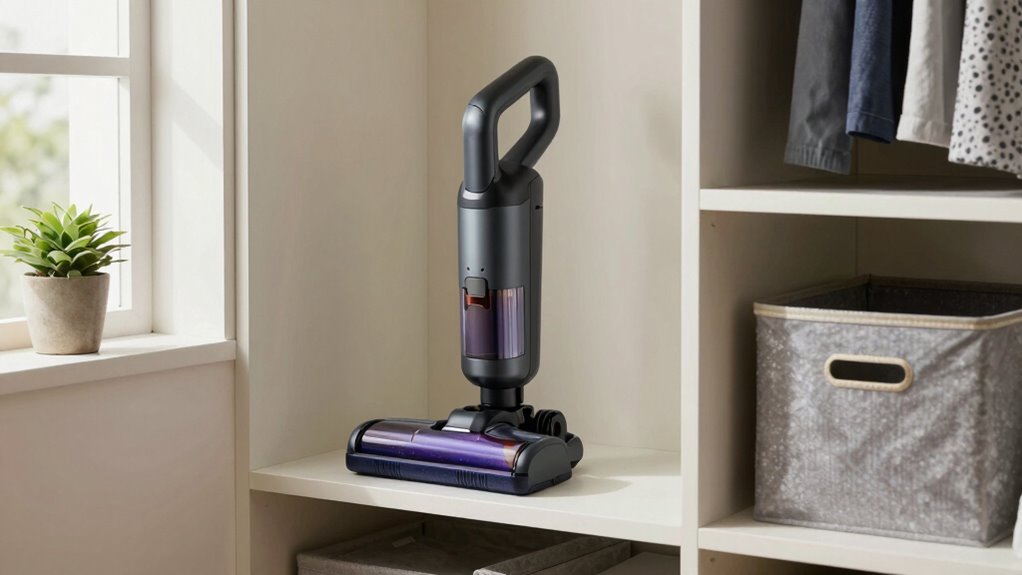
To protect your cordless vacuum’s battery, it’s important to store it properly when you’re not using it. Proper battery storage minimizes capacity loss and extends lifespan. Keep the vacuum in a cool, dry place away from direct sunlight and extreme temperatures. Avoid storing it in areas with high humidity or temperature fluctuations, as these can damage the battery. Maintaining ideal temperature control prevents overheating or freezing, which can degrade battery cells. Also, ensure the battery is partially charged—around 50-70%—before storage to prevent over-discharge or capacity loss. When not in use for long periods, remove the battery if possible. Additionally, understanding the importance of battery maintenance can further help in prolonging the battery’s life. Regularly inspecting the storage area for environmental conditions can also ensure optimal storage.
Why Avoid Using Full Power All the Time (And What to Do Instead)?
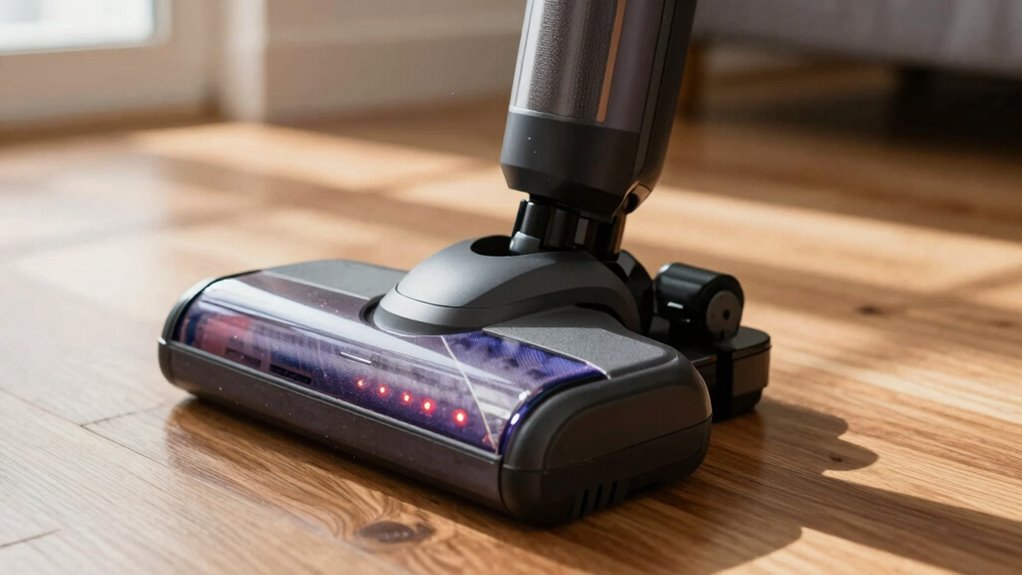
Using full power constantly may seem like the quickest way to get the job done, but it can actually shorten your vacuum’s battery life over time. Running it at maximum power drains the battery faster and reduces overall battery capacity after repeated charging cycles. To extend battery lifespan, use lower power settings when possible. This approach minimizes stress on the battery, preserving its health longer. Here’s a quick guide:
| Power Setting | Effect on Battery | Recommended Usage |
|---|---|---|
| Full Power | Fast drain, fewer cycles | Heavy debris, stubborn dirt |
| Medium Power | Balanced, preserves capacity | Regular cleaning |
| Low Power | Slow drain, more cycles | Light cleaning |
Switching between power modes helps prolong your battery’s life and maximizes efficiency.
When Should You Replace Your Vacuum Battery for Best Efficiency?
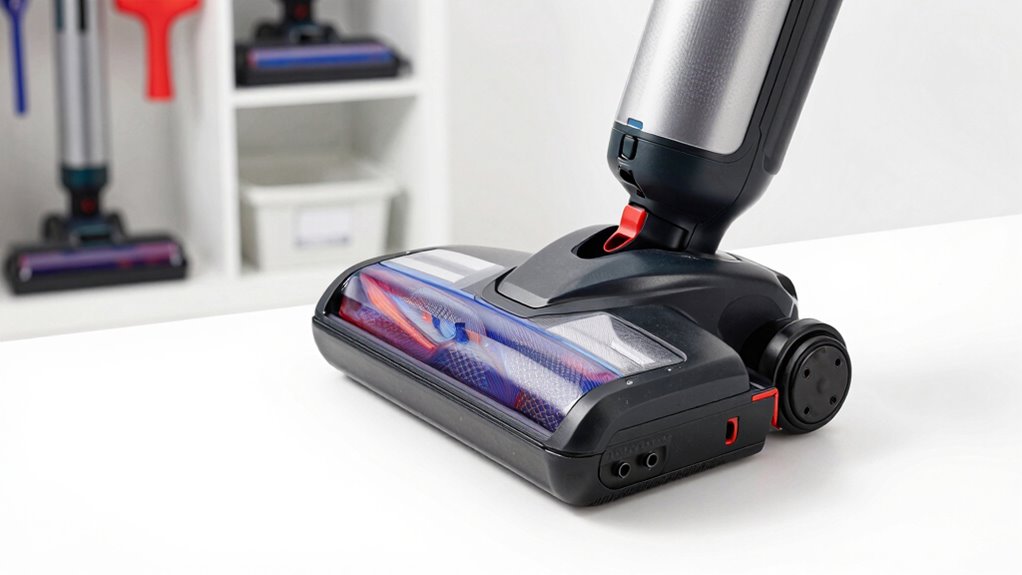
Your vacuum battery will perform at its best when you replace it at the right time. Knowing when to do a battery replacement is key to maintaining efficiency optimization. If your vacuum starts losing suction, runs shorter periods, or takes longer to charge, it’s time to consider a new battery. Don’t wait until it completely dies; proactive replacement keeps your vacuum working like new.
Here are signs it’s time for a battery replacement:
- Reduced runtime per charge
- Declining suction power
- Longer charging times
- Battery overheating during use
- Difficulty holding a charge
Replacing your battery at the right moment ensures you get maximum efficiency and prolongs your vacuum’s lifespan. Regular maintenance and timely battery replacement are essential for sustained performance.
How to Recognize Signs That Your Battery Is Deteriorating?

As your vacuum battery ages, you may notice subtle changes that indicate it’s no longer performing at its best. One sign is a shorter runtime, where the vacuum loses power sooner than usual. If you find your battery isn’t holding a charge, try performing a battery calibration by fully discharging and then fully charging it. This helps reset the battery’s power level indicator. Additionally, if your vacuum’s power diminishes after a power cycle, it’s a clear sign of deterioration. Consistent performance drops despite proper charging suggest the battery’s capacity is fading. Recognizing these signs early allows you to take corrective steps, such as recalibrating or replacing the battery before it completely fails, ensuring your vacuum continues to work efficiently.
How to Choose Compatible Chargers and Accessories for Longer Battery Life?
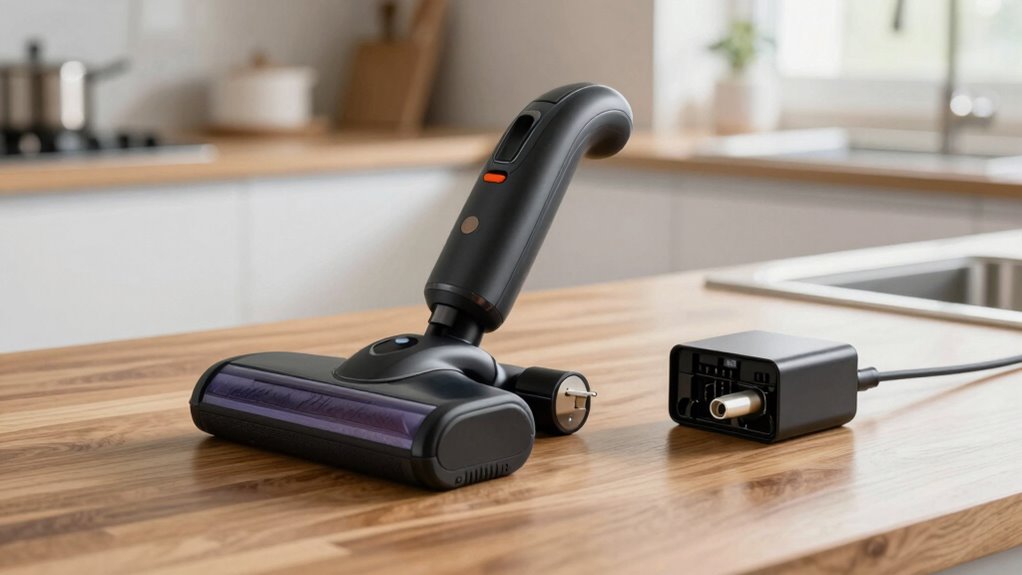
Choosing the right charger and accessories is key to extending your vacuum’s battery life. Make certain to use compatible chargers and quality accessories to prevent damage and guarantee ideal performance. Additionally, following proper charging habits helps maintain your battery’s health over time.
Use Compatible Chargers
Using the right charger is essential for maximizing your cordless vacuum’s battery life. A compatible charger ensures proper voltage and current, which helps maintain ideal charging cycles and prolongs battery health. Using incompatible chargers can cause overheating, reduce capacity, or damage the battery, making recycling and disposal more difficult. To get the most out of your vacuum, always select chargers recommended by the manufacturer.
Remember these key points:
- Check the voltage and current specifications before buying.
- Use original or certified chargers.
- Avoid third-party chargers with unknown quality.
- Keep chargers clean and free of dust.
- Properly dispose of batteries through recycling programs when they’re no longer usable.
This approach helps extend battery lifespan and supports sustainable battery recycling efforts.
Select Quality Accessories
Selecting the right accessories for your cordless vacuum is key to ensuring longer battery life and ideal performance. Use high-quality, compatible chargers and attachments designed specifically for your model. Poor-quality accessories can cause compatibility issues, reducing battery efficiency and lifespan. When choosing accessories, opt for eco-friendly options that support sustainable practices, like those made from recyclable materials. Properly maintaining your accessories also means considering battery recycling and eco-friendly disposal at the end of their life cycle. Avoid cheap knock-offs that may damage your battery or void warranties. Investing in quality accessories not only enhances performance but also extends your battery’s longevity. Remember, using certified accessories and disposing of them responsibly helps you protect the environment while maximizing your vacuum’s efficiency.
Follow Proper Charging Habits
Proper charging habits play a vital role in maintaining your cordless vacuum’s battery life. Using compatible chargers guarantees ideal power management, preventing overcharging or undercharging that can harm the battery. To maximize longevity, avoid frequently draining the battery completely; instead, keep it between 20-80%. Regularly calibrate your battery by partially charging and discharging it to maintain accurate capacity readings. Always use the manufacturer-recommended charger to prevent damage and guarantee safe, effective charging. Proper storage also matters—store the vacuum in a cool, dry place when not in use.
- Use only compatible chargers
- Don’t leave the battery plugged in overnight
- Perform battery calibration periodically
- Avoid charging in extreme temperatures
- Follow manufacturer guidelines for power management
Easy Maintenance Routines to Extend Your Vacuum Battery’s Lifespan?
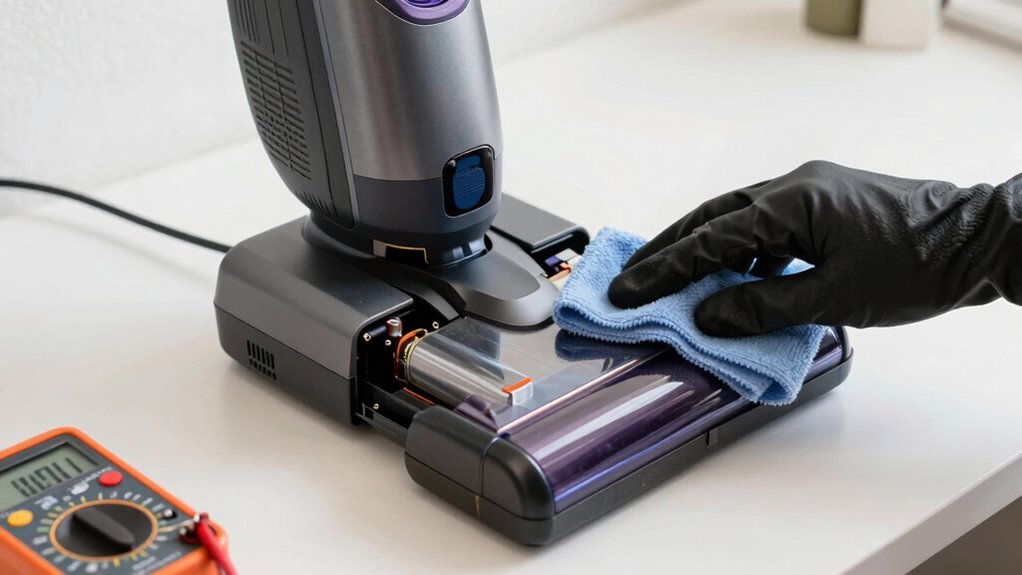
Maintaining your cordless vacuum’s battery regularly can substantially extend its lifespan. Start by avoiding overcharging and always unplug it once fully charged to prevent unnecessary wear. Keep the battery clean and dry, ensuring contacts are free of dust and debris, which helps sustain maximum energy efficiency. When possible, recycle old batteries responsibly through battery recycling programs to reduce environmental impact and support sustainable energy practices. Store your vacuum in a cool, dry place to prevent overheating and degradation. Regularly check for firmware updates or manufacturer maintenance tips that can enhance battery performance. By following these simple routines, you not only prolong your battery’s life but also contribute to energy efficiency and environmental conservation. Proper maintenance ensures your vacuum performs well for years to come.
Frequently Asked Questions
Can Using a Lower Power Setting Extend My Vacuum Battery’s Lifespan?
Yes, using a lower power setting can extend your vacuum’s battery lifespan. It helps with power management by reducing strain on the battery, which can prevent faster degradation. Additionally, regularly calibrating your battery ensures accurate charge readings and peak performance. By combining gentle power settings with proper calibration, you’ll maximize your cordless vacuum’s battery life, making it last years longer and reducing the need for frequent replacements.
Is It Safe to Leave My Vacuum on Charge Overnight Regularly?
Imagine your vacuum’s battery as a delicate garden that needs careful tending. Leaving it on charge overnight isn’t inherently unsafe if you follow good battery safety and charging habits. Modern chargers stop charging once full, preventing overcharge damage. However, consistently keeping it plugged in may still cause minor wear over time. To maximize lifespan, unplug when fully charged, but occasional overnight charging is generally safe with quality equipment.
How Does Extreme Temperature Exposure Affect Battery Longevity?
Extreme temperature exposure negatively impacts your battery’s longevity. High temperatures accelerate chemical reactions inside the battery, causing it to degrade faster, while cold temperatures can reduce its capacity temporarily. To maximize lifespan, you should store your cordless vacuum in ideal storage conditions—cool, dry environments away from direct sunlight or freezing temperatures. Proper temperature effects management helps your battery last longer and maintain peak performance over time.
Are Third-Party Batteries Reliable for Extending Lifespan?
Did you know third-party batteries can extend your vacuum’s lifespan by up to 50%? They can be reliable if you check battery compatibility carefully, ensuring it matches your vacuum model. However, be aware that using third-party batteries might void your warranty, so always read the warranty concerns before switching. If you choose the right compatible battery, you could enjoy longer cleaning sessions without sacrificing performance.
What Are Common Mistakes That Shorten My Vacuum’s Battery Life?
You shorten your vacuum’s battery life when you neglect proper calibration and storage. Avoid letting the battery completely drain before recharging, as this can harm its capacity. Regularly calibrate the battery by fully charging and discharging it to maintain accuracy. Also, store your vacuum in a cool, dry place when not in use, preventing extreme temperatures that can degrade the battery over time. These habits extend your battery’s lifespan considerably.
Conclusion
By following these tips, you can make your cordless vacuum’s battery last for years, just like a trusty steed in a knight’s arsenal. Keep an eye on charging habits, clean regularly, and store it properly—think of it as tending to a fine steed. Avoid overuse at full power and replace batteries when needed. With a little care, your vacuum will serve you well, proving that good maintenance is truly the key to longevity—no matter if you’re in the 21st century or the Renaissance.
Halloween Picks
halloween
As an affiliate, we earn on qualifying purchases.