The best way to make dialogue clearer in your home theater is to activate the dedicated dialogue or speech enhancement setting on your receiver. This feature isolates speech, reduces background noise, and balances audio levels, making voices stand out without raising overall volume. To get the most out of it, you might need to adjust the center channel, fine-tune sound settings, or calibrate your system. Keep exploring these tips to optimize your setup and enjoy clearer conversations.
Key Takeaways
- Enable dialogue or speech enhancement features to focus on vocal clarity and separate voices from background noise.
- Adjust the center channel volume and position for clear, balanced dialogue delivery.
- Use automatic calibration and manual adjustments to optimize speaker levels and room acoustics.
- Reduce background sounds and echoes with acoustic treatments and proper speaker placement.
- Avoid overusing bass or treble adjustments to prevent muffling or obscuring speech.
home theater speech enhancement receiver
As an affiliate, we earn on qualifying purchases.
As an affiliate, we earn on qualifying purchases.
Why Clear Dialogue Matters in Your Home Theater
Have you ever watched a movie where the dialogue was hard to understand? Clear dialogue is vital for an immersive home theater experience. Voice isolation helps separate speech from background noise, making conversations stand out. When dialogue frequency is optimized, voices stay crisp and easy to follow, even during intense scenes. Without proper clarity, you might miss essential plot points or character emotions, diminishing your enjoyment. Prioritizing clear dialogue ensures you catch every word, enhancing engagement and immersion. It also reduces fatigue, so you don’t strain to understand what’s being said. Good sound design, especially in the dialogue range, makes your movies feel more natural and lifelike. Understanding how sound frequencies are managed can help you optimize your audio setup for clarity. Focusing on audio calibration techniques can further improve overall sound clarity. Additionally, mastering room acoustics can significantly enhance dialogue intelligibility by minimizing echoes and reflections. Proper speaker placement is also crucial for ensuring that dialogue remains clear and centered in your listening area. For example, adjusting speaker positioning can greatly impact the clarity and focus of dialogue. Ultimately, clear dialogue keeps you connected to the story and characters, making your home theater experience more satisfying.
What Does the Dialogue Enhancement Setting Do?

The Dialogue Enhancement setting helps you hear spoken words more clearly by clarifying speech and reducing background noise. It also balances audio levels so dialogue stays consistent, even during loud scenes. With this feature, you can enjoy movies and shows without straining to catch what’s being said. Additionally, optimizing your home theater setup ensures the best audio performance and prevents potential issues. Properly configuring your system can also help prevent Free Floating interference from affecting sound clarity. To ensure your home theater setup is secure and well-organized, consider implementing document safety measures to protect important files related to your entertainment system. Implementing car protection accessories such as remote covers and gear upgrades can also help maintain the longevity of your equipment. Regularly updating your system firmware can further enhance audio performance and stability.
Clarifies Spoken Words
When you activate the dialogue enhancement setting on your home theater system, it specifically boosts the clarity of spoken words. This feature uses voice isolation techniques to focus on dialogue, making it stand out from background sounds. As a result, speech clarity improves, so you don’t have to strain to understand actors’ lines. The system filters out competing audio elements, emphasizing vocal frequencies and reducing muddiness. This ensures that conversations, narrations, and key dialogue are crisp and easy to follow, even at lower volumes. Additionally, audio processing technology helps optimize the sound for clearer dialogue. Whether you’re watching a movie or a TV show, this setting helps you catch every word without distraction. In short, it’s designed to make spoken dialogue more intelligible, enhancing your overall listening experience. Sound clarity can also be achieved by adjusting other audio settings or connecting external speakers tailored for dialogue.
Reduces Background Noise
Activating the background noise reduction feature on your home theater system helps eliminate unwanted sounds that can distract from the main audio. This setting works by filtering out ambient noises like hums, rustling, or distant chatter, so you focus more on dialogue and important sounds. By reducing background noise, your system enhances speech clarity, making conversations more understandable without needing to turn up the volume excessively. This feature is especially useful in noisy environments or when watching in a large room with echoes. With background noise reduction enabled, you’ll notice a cleaner audio experience, where dialogue feels more natural and less buried under unwanted sounds. Additionally, understanding audio processing technology can help you make better use of these features. For example, some systems adjust the dynamic range automatically to improve clarity. Implementing sound equalization settings can further tailor the audio to your specific environment for optimal clarity. Being familiar with noise reduction algorithms allows you to optimize your setup for the best sound quality. Overall, it helps create a more immersive and clear sound environment for your home theater setup.
Balances Audio Levels
Balancing audio levels guarantees that all sounds in your home theater are clear and well-mixed, preventing any one element from overpowering the others. This setting adjusts volume differences across speakers, ensuring dialogue stands out without losing the impact of effects or music. Proper speaker placement and acoustic treatments help achieve a balanced sound environment, making it easier for your system to manage levels effectively. When audio levels are well-balanced, you’ll notice clearer dialogue and more immersive sound. Keep in mind that different content may require slight adjustments. Use the table below to understand key aspects of balancing audio levels: adjustment techniques. Additionally, employing proper calibration can significantly improve overall sound clarity, especially when considering impact of speaker placement. Understanding sound system reliability techniques can also prevent distortion during high-volume scenes, ensuring consistent audio quality.
How to Access Your Home Theater Sound Settings
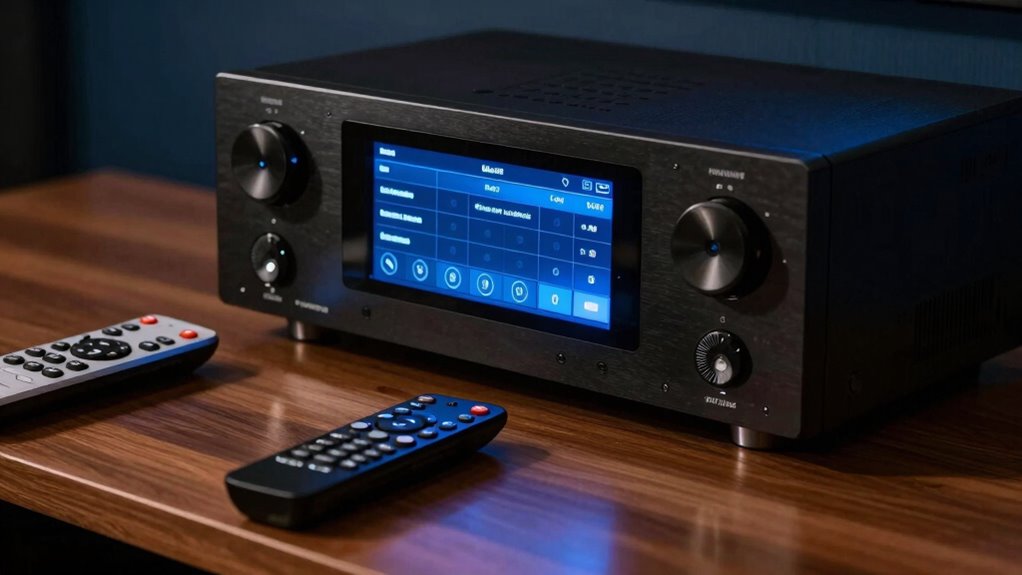
Accessing your home theater sound settings is straightforward and essential for customizing your audio experience. To start, locate your receiver’s setup menu—usually accessible via the remote or on-screen display. Once inside, look for options like “Speaker calibration” or “Audyssey,” which help enhance sound based on your room acoustics. Many receivers include a microphone for automatic calibration; simply follow the prompts to guarantee your speakers are balanced correctly. If you prefer manual adjustments, navigate to the equalizer or speaker settings to tweak levels. Understanding your room’s acoustics helps you make more informed adjustments, leading to clearer dialogue and immersive sound. Regularly reviewing these settings ensures your system performs at its best, delivering the excellent audio environment tailored to your space. Incorporating collaborative setup principles can also improve your calibration process, especially if multiple users are involved. Additionally, exploring regional sound profiles can help you customize your audio to better match your content preferences and enhance overall clarity. Being familiar with your receiver’s automatic calibration features can save time and ensure consistent sound quality across different listening sessions. Moreover, understanding how room acoustics influence sound can help you optimize your speaker placement for even better dialogue clarity. To further improve your setup, consider adding cabling solutions that reduce interference and maintain sound integrity.
How to Adjust Dialogue Volume for Better Clarity

If dialogue sounds muffled or hard to hear, adjusting the dialogue volume can considerably improve clarity. Focus on the voice frequency range, typically between 1kHz and 4kHz, where most speech intelligibility resides. Fine-tune your settings to boost these frequencies, making speech stand out more clearly. Additionally, consider speaker placement; positioning your center channel speaker directly below or above your TV helps direct dialogue toward your ears. Proper placement ensures voice frequencies are captured and projected accurately, reducing the need for higher volume settings. Use your receiver’s dialogue or center channel level adjustments to fine-tune clarity further. Small tweaks to voice frequency emphasis combined with ideal speaker placement will make speech clearer without increasing overall volume or sacrificing sound quality. Adjusting audio settings can further optimize speech clarity based on your specific home theater environment. Moreover, experimenting with acoustic treatments in your room can reduce echo and improve overall dialogue clarity.
Common Sound Settings Mistakes That Obscure Speech
One common mistake that can obscure speech is overusing bass or treble adjustments, which drowns out vocal clarity. When you tweak these settings without proper audio calibration, you risk amplifying sounds that mask dialogue. Poor speaker placement also plays a role; if speakers aren’t positioned correctly, speech can become muffled or distant. Instead, focus on balancing your audio calibration to ensure dialogue stands out. Make sure your speakers are at ear level and directed toward your listening area. Avoid excessive equalizer tweaks that boost bass or treble too much, as they can interfere with speech intelligibility. Proper speaker placement combined with careful calibration helps keep dialogue clear and natural, preventing common sound setting mistakes from obscuring speech.
Tips to Improve Speech Clarity in Your Setup
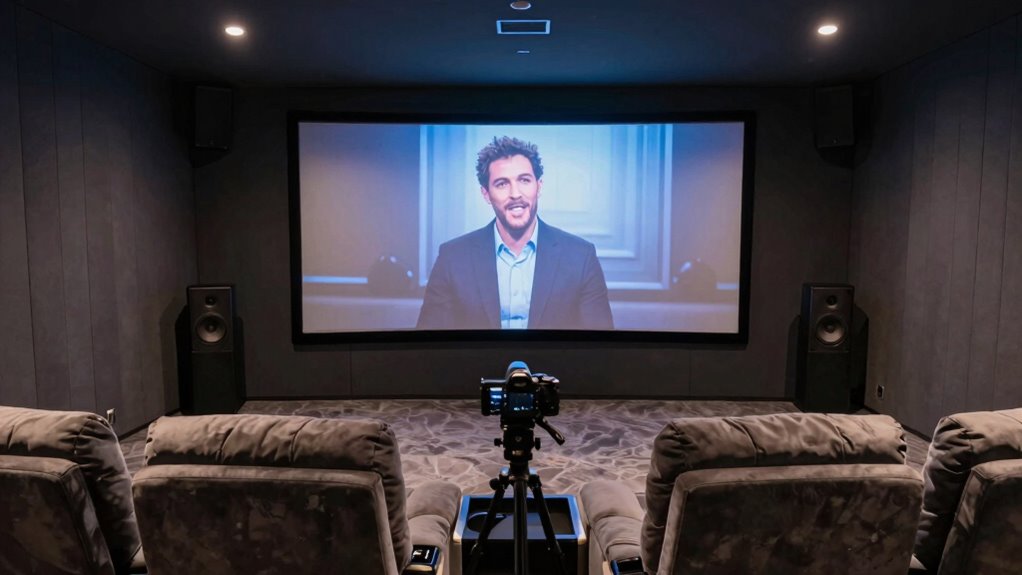
To improve speech clarity, start by adjusting your center channel volume so dialogue sounds clear and balanced. Enable speech enhancement settings on your receiver to make voices stand out more prominently. Also, reduce background noise and distractions to guarantee you don’t miss important parts of the conversation.
Adjust Center Channel Volume
Have you noticed that dialogue often sounds muffled or hard to understand in your home theater? Adjusting the center channel volume is a simple way to improve speech clarity. The center channel carries most dialogue, so setting its volume correctly is essential. You can increase or decrease the volume adjustment to find the perfect balance with your other speakers.
- Make sure the center channel isn’t overpowering or too quiet compared to the front left and right speakers
- Use your receiver’s test tone feature to fine-tune the volume adjustment for clear dialogue
- Consider speaker placement to optimize sound pickup and reduce muffling
Getting this setting right makes your conversations and dialogue much crisper, enhancing your overall viewing experience.
Use Speech Enhancement Settings
Using speech enhancement settings can markedly improve dialogue clarity in your home theater. These features are designed to fine-tune audio calibration, making voices stand out more clearly against background sounds. By activating speech enhancement, you can boost the mid-range frequencies where most dialogue resides, ensuring voices come through crisp and intelligible. Many receivers and soundbars include dedicated settings or modes for speech clarity; adjusting these can help you customize your listening experience. Keep in mind, it’s important to experiment with these settings to find the right balance that enhances voice clarity without making other sounds unnatural. Proper use of speech enhancement can make a significant difference, especially during fast-paced or complex scenes where dialogue often gets lost.
Minimize Background Noise
Background noise can considerably interfere with speech clarity, especially during busy or noisy scenes. To improve dialogue intelligibility, focus on noise reduction strategies and ideal speaker placement. Reducing ambient sounds around your setup minimizes distractions, so consider sealing windows or using soundproofing materials. Proper speaker placement ensures dialogue is directed toward your listening position, enhancing clarity. Position your speakers at ear level and avoid placing them near sources of noise, like vents or appliances. Additionally, adjusting speaker angles can focus sound directly at your seat. These steps help cut background noise and improve speech clarity, making movie dialogue easier to understand without increasing volume. Implementing noise reduction and strategic speaker placement creates a more immersive and intelligible home theater experience.
When to Use Presets or Customize Settings for Different Content
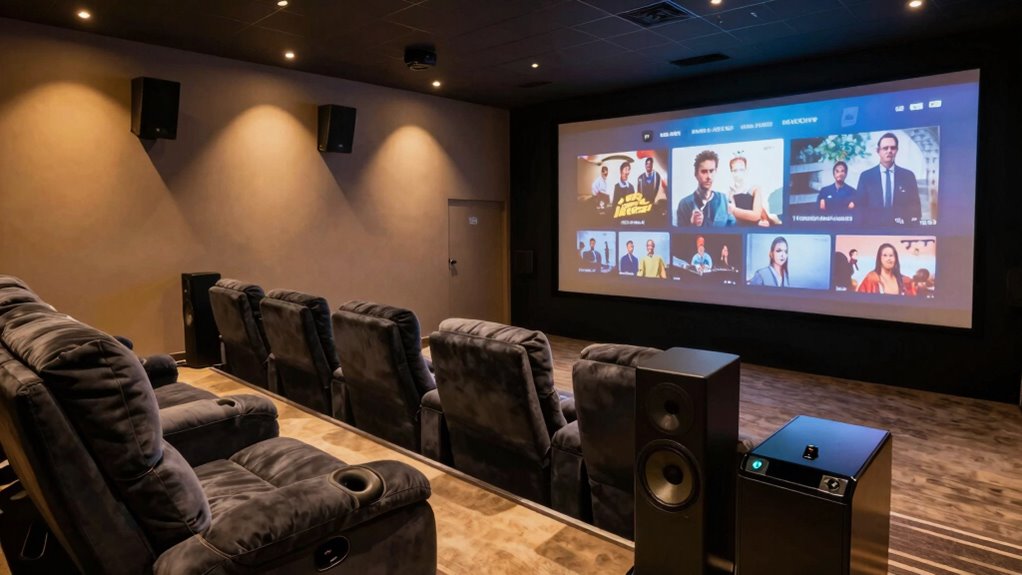
Choosing between presets and customizing settings depends on the content you’re watching or listening to. Preset selection is handy when you want quick adjustments tailored to specific genres, like movies or music, without fuss. These presets optimize sound for common scenarios, saving you time. However, for more detailed control, customized tuning allows you to fine-tune settings to suit your preferences or room acoustics. If you’re watching a dialogue-heavy film, adjusting the center channel or dialogue settings can improve clarity. For action scenes or music, tweaking bass or surround effects enhances immersion. Knowing when to rely on presets or delve into customized tuning ensures your home theater experience remains optimal, no matter the content. This approach helps you achieve clear dialogue and balanced sound at all times.
Troubleshooting Persistent Dialogue Issues
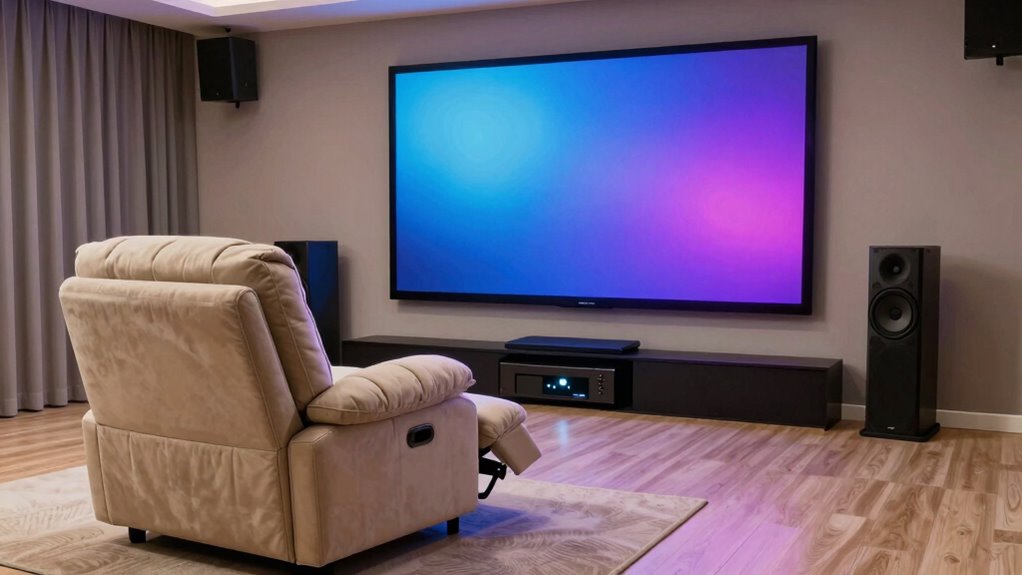
When you experience persistent dialogue issues in your home theater, it can be frustrating, but there are several steps you can take to resolve them. Start by checking your audio calibration to guarantee your receiver’s settings match your room and speaker setup. Proper speaker placement is vital; place your front speakers at ear level and avoid obstructions. Consider adjusting the center channel speaker’s position for clearer dialogue. Additionally, fine-tune your receiver’s settings, such as dialogue enhancement or speech mode, to improve clarity. If issues persist, re-run your system’s calibration process or manually tweak the equalizer settings for better vocal presence. Regularly reviewing and adjusting these factors helps maintain ideal dialogue clarity, ensuring you enjoy a more immersive home theater experience.
Frequently Asked Questions
Can Different Movies Require Different Dialogue Settings?
Yes, different movies often need different dialogue settings. You should adjust dialogue normalization and speech enhancement features to optimize clarity. For action-packed scenes, lowering background noise helps dialogue stand out. For dialogue-heavy films, increasing speech enhancement makes voices clearer. Experiment with these settings to find the perfect balance for each movie, ensuring you catch every line and enjoy a more immersive viewing experience.
Is There a Way to Test Dialogue Clarity Easily?
You can easily test dialogue clarity by using a dialogue enhancement feature on your home theater system. Play a familiar scene with clear speech and listen carefully. Adjust your sound calibration settings until dialogue sounds crisp and distinct, ensuring voices stand out from background noise. Many systems also have built-in test tones or calibration tools, making it simple to optimize your sound for the best dialogue clarity.
How Do Room Acoustics Affect Dialogue Sound Quality?
Did you know that room acoustics can boost dialogue clarity by up to 50%? Your room’s sound absorption and echo reduction directly influence how well you hear voices. Hard surfaces cause echoes, muddling speech, while soft materials like carpets and curtains absorb sound, making dialogue clearer. To improve sound quality, add sound-absorbing panels and reduce reflective surfaces, ensuring your home theater delivers crisp, intelligible dialogue every time.
Are There Specific Speaker Placements That Improve Speech Clarity?
You should focus on proper speaker positioning to improve speech clarity. Place your speakers at ear level and make sure they face directly toward your listening area. Incorporate acoustic treatment, like sound-absorbing panels, to reduce reflections and echo that can muddle dialogue. Experiment with angles and distances, keeping speakers slightly closer to the center of the room, to optimize clarity. This setup ensures clear, crisp dialogue and an immersive home theater experience.
What Is the Impact of Background Noise on Dialogue Settings?
Imagine you’re in a silent film, but background noise still distorts dialogue. Noise suppression plays a vital role here, helping you cut through the chaos. Excess background noise can make dialogue unclear, but proper audio calibration adjusts settings to optimize clarity. When noise levels are high, you might need to increase dialogue focus or enable advanced noise suppression features. This guarantees you catch every word, even in a noisy environment.
Conclusion
By fine-tuning your home theater’s sound settings, you create a more inviting environment where dialogue flows effortlessly. Think of it as gently guiding your audio to whisper clearer secrets rather than shouting them across the room. With a little patience and the right adjustments, you’ll find yourself immersed in stories with every word crystal clear, making your viewing experience richer and more enjoyable. After all, a well-balanced soundscape is like a friendly nudge towards perfect clarity.