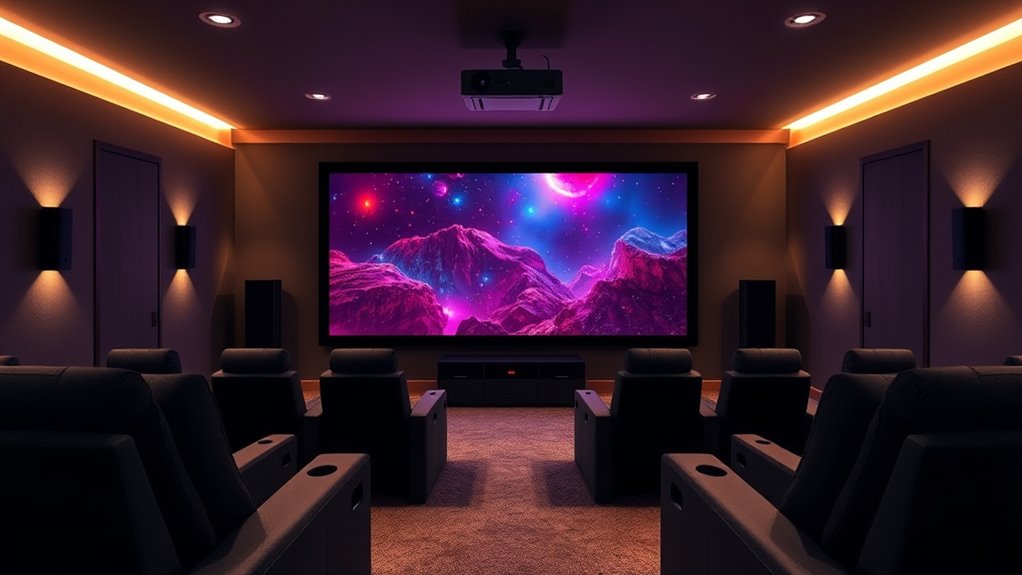

To create an immersive home theater, start by calibrating your projector carefully—adjust keystone, focus, and color for sharp, vibrant images. Position your seating about 1.5 to 2.5 times your screen’s diagonal for the best view, ensuring unobstructed sightlines. Fine-tune your audio setup so sound surrounds you evenly, and arrange seats to enhance the overall experience. Keep exploring for tips to perfect your setup and enjoy professional-quality cinematic moments at home.
Key Takeaways
- Properly calibrate the projector’s image quality using test patterns, adjusting trapezoid correction, keystone, and focus for sharp, natural visuals.
- Fine-tune projector settings for brightness, contrast, and color balance to achieve cinematic image quality.
- Position seating 1.5 to 2.5 times the screen’s diagonal distance to ensure optimal viewing angles and comfort.
- Arrange seats with good sightlines, incorporating tiered or plush seating for immersive, comfortable experiences.
- Optimize acoustics by placing speakers strategically and seating to enhance surround sound and minimize echoes.
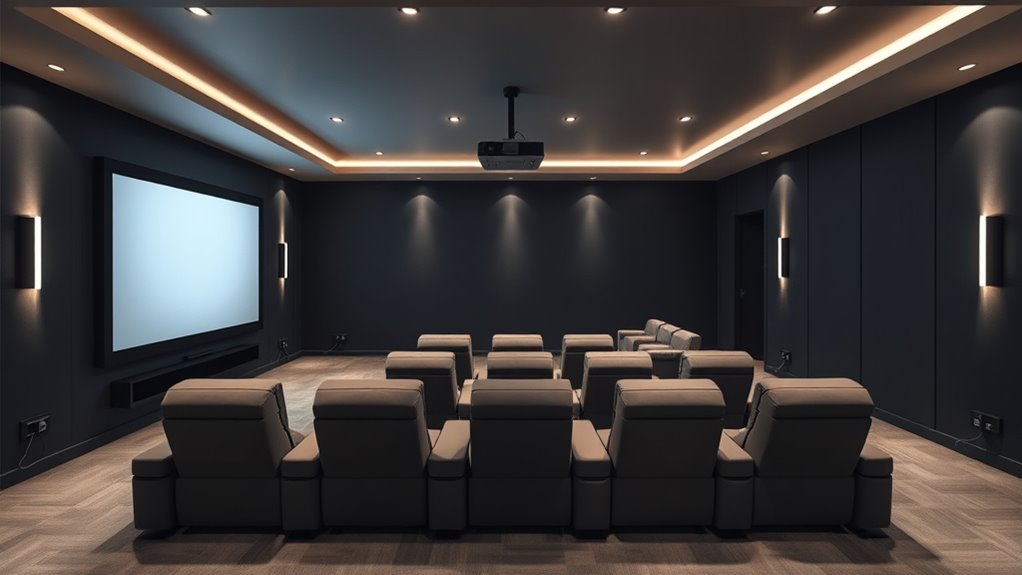
Ever wondered how to turn a spare room into the ultimate home theater? The key lies in thoughtful planning and attention to detail. First, focus on your screen calibration. Getting your projector’s image just right isn’t a matter of plug and play; it requires fine-tuning. You want the picture to be sharp, colors accurate, and the proportions correct. Start by adjusting the projector’s settings—trapezoid correction, keystone, and focus—to ensure the image fills your screen evenly without distortion. If your projector has calibration tools or test patterns, use them to fine-tune brightness, contrast, and color balance. Proper screen calibration makes all the difference, turning a mediocre image into a cinematic experience. Remember, the goal is to create a vivid, immersive picture that feels natural to your eyes, which enhances your overall enjoyment.
Next, consider your seating arrangement, as it plays a major role in creating an authentic home theater vibe. You want your seats to be positioned at the ideal distance from the screen for the best viewing angle and comfort. Typically, the ideal distance is about 1.5 to 2.5 times the diagonal size of your screen. For example, if you have a 100-inch screen, sitting roughly 12.5 to 20 feet away works well. Arrange your seating so that everyone has a clear, unobstructed view, and avoid placing seats too close or too far. Incorporate tiered or riser-style seating if possible, especially for larger setups, so everyone gets a good sightline. Comfort is also essential—think plush recliners or sofas, with enough space for stretching out during long movies. You might want to include a small table for snacks or drinks, but keep the layout uncluttered to maintain an immersive environment.
Finally, the seating arrangement also influences the acoustics and overall atmosphere of your home theater. Position your seating to maximize surround sound effects, placing seats at the ideal distance from speakers for balanced audio. A well-planned setup minimizes echoes and sound reflections, creating a rich audio experience that complements your picture. When you combine precise screen calibration with a thoughtful seating arrangement, you transform your spare room into a true home theater. Every element works together to pull you into the story, making your movie nights feel like a trip to the cinema. With some patience and attention to detail, you’ll enjoy a space that’s not just functional but truly spectacular—where you can kick back and enjoy your favorite films, surrounded by crisp visuals and immersive sound.

Epson Home Cinema 3800 4K PRO-UHD 3-Chip 3LCD Projector with HDR Technology
- 4K PRO-UHD Projection: Enhanced resolution and color processing
- True 3-Chip Design: Displays full RGB color for each frame
- 4K Resolution Processing: Pixel-shifting for sharp, detailed images
As an affiliate, we earn on qualifying purchases.
As an affiliate, we earn on qualifying purchases.
Frequently Asked Questions
How Do I Choose the Right Projector Brightness for My Room?
You should choose a projector with the right lumens based on your room lighting. For a dark room, 1000-1500 lumens work well, while a bright room needs 2500 lumens or more to guarantee clear images. Consider how much ambient light you have, and opt for higher lumens if your space has lots of windows or strong lighting. This way, your picture stays vivid and sharp.
What Are the Best Speaker Placement Tips for Optimal Surround Sound?
Imagine you’re watching a movie, and the sound feels perfectly immersive. To achieve this, position your speakers thoughtfully: place front left and right speakers at ear level, form an arc around your seating, and keep surround speakers slightly behind and to the sides. Proper speaker positioning shapes the sound field, ensuring clarity and depth. This setup creates a balanced surround sound experience, making every scene feel lifelike and engaging.
How Can I Reduce Projector Image Distortion or Blurriness?
To diminish projector image distortion or blurriness, start with proper lens correction settings to straighten warped images. Next, perform thorough screen calibration, adjusting focus, keystone, and aspect ratio for sharpness. Guarantee your projector is positioned correctly, ideally perpendicular to the screen, and use high-quality cables to prevent signal loss. Regularly clean the lens and filters to maintain clarity and ideal image quality.
What Wiring and Cable Management Solutions Are Recommended?
Imagine running cables behind your wall-mounted projector with ease. Use a wire organizer to keep cords tidy and prevent tangling, and cable sleeves to bundle multiple wires neatly. These solutions protect your cables from damage and make future upgrades simple. By planning your wiring routes carefully and securing cables with these tools, you’ll achieve a clean, safe setup that enhances your home theater experience.
How Do I Calibrate Audio and Video Settings for Best Performance?
You should start with audio tuning by adjusting speaker levels, distances, and the equalizer for clear, balanced sound. For video calibration, use a calibration disc or software to set brightness, contrast, and color accuracy, ensuring sharp images. Play a test scene, tweak settings until you achieve *ideal* picture quality, then fine-tune audio settings for immersive sound. Regularly revisit these calibrations to maintain the best home theater performance.
Conclusion
Setting up your home theater is like crafting your own personal cinema; with the right projector and surround sound, you’ll feel immersed in every scene. Take your time to arrange everything carefully, and don’t rush the process. When it’s all in place, you’ll enjoy movies that feel as vivid as real life. Remember, patience pays off—soon, your space will become your favorite escape, just like stepping into a world of endless entertainment.